¶ Contact Display Settings
- To change Contact Display Settings, log in to Sibly Webmail using your email account credentials at: https://webmail.sibly.pro/
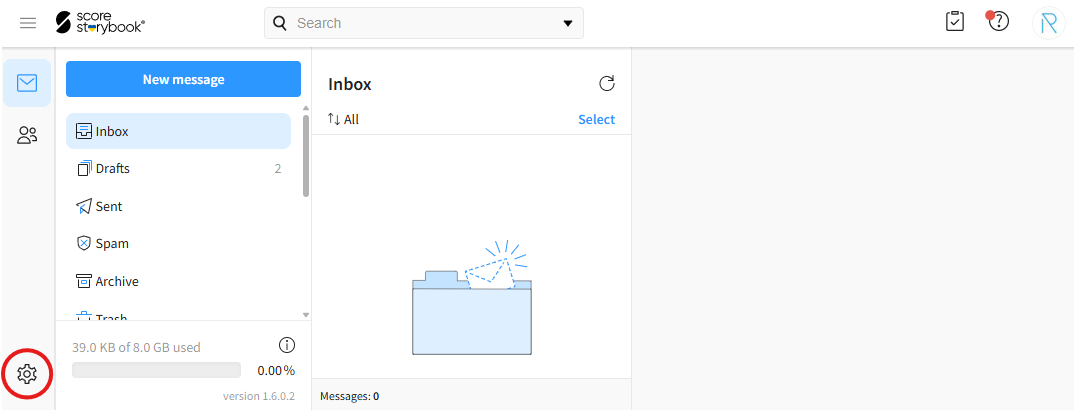
- Click the gear icon in the bottom-left corner of the page.
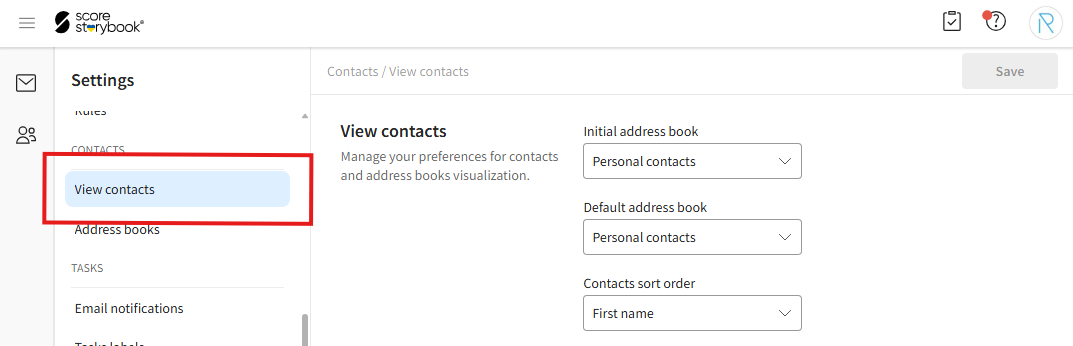
- Click on the "View contacts" option.
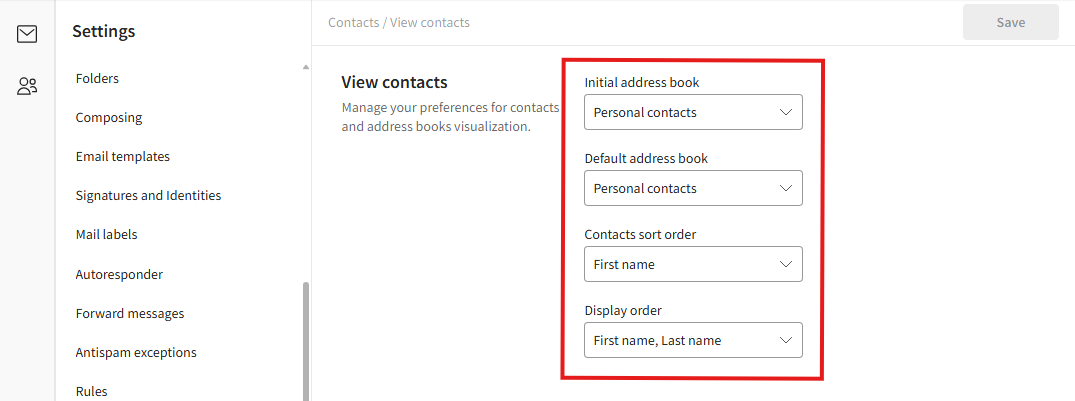
- Make the desired changes.
"Initial address book" - The address book that is opened by default when accessing contacts.
"Default address book" - The default address book used when creating new contacts.
"Contacts sort order" - Determines how contacts are sorted. "First name" sorts contacts by first name. "Last name" sorts contacts by last name.
"Display order" - Determines how contact names are displayed. "First name, Last name" displays names in the format First Name Last Name. "Last name, First name" displays names in the format Last Name First Name.
- After making your changes, click the blue "Save" button in the top-right corner of the window.