¶ Editing Your Profile
- To edit your profile, log in to Sibly Webmail using your email account credentials at: https://webmail.sibly.pro/
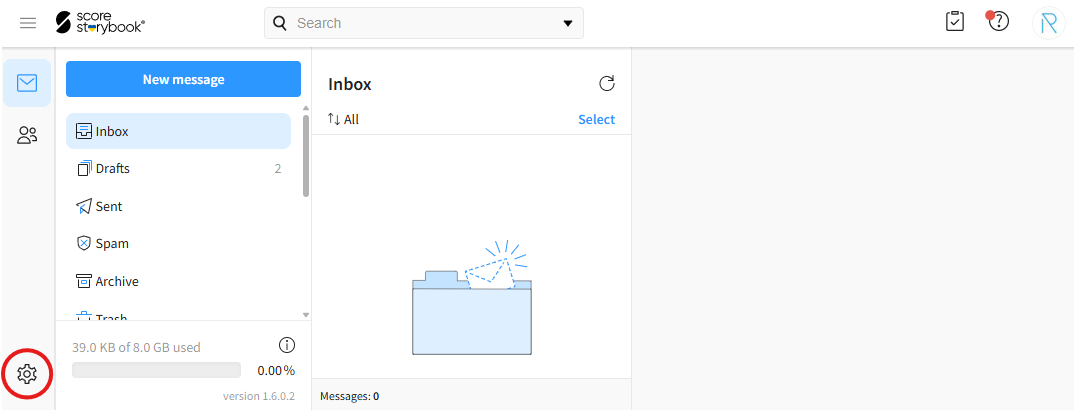
- Click the gear icon in the bottom-left corner of the page.
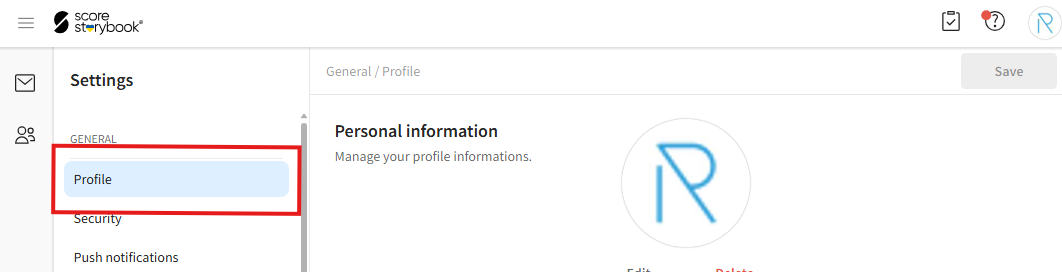
- Click on the "Profile" option.
- In the opened window, you can change your first name, last name, and profile picture.
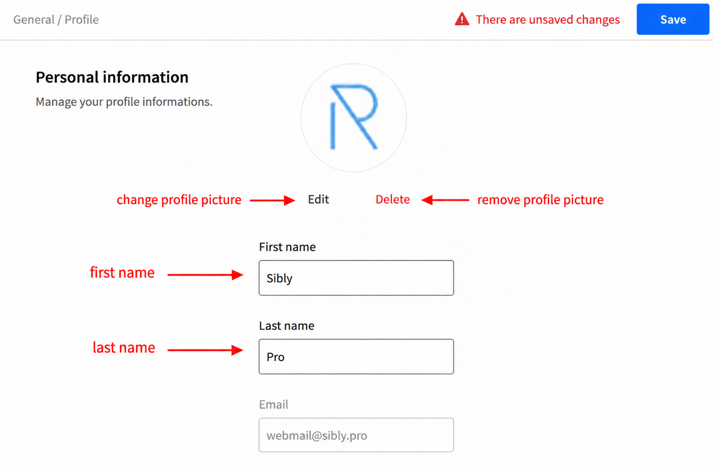
- After making your changes, click the blue "Save" button in the top-right corner of the page.