¶ Email Templates
- To manage Email Templates, log in to Sibly Webmail using your email account credentials at: https://webmail.sibly.pro/
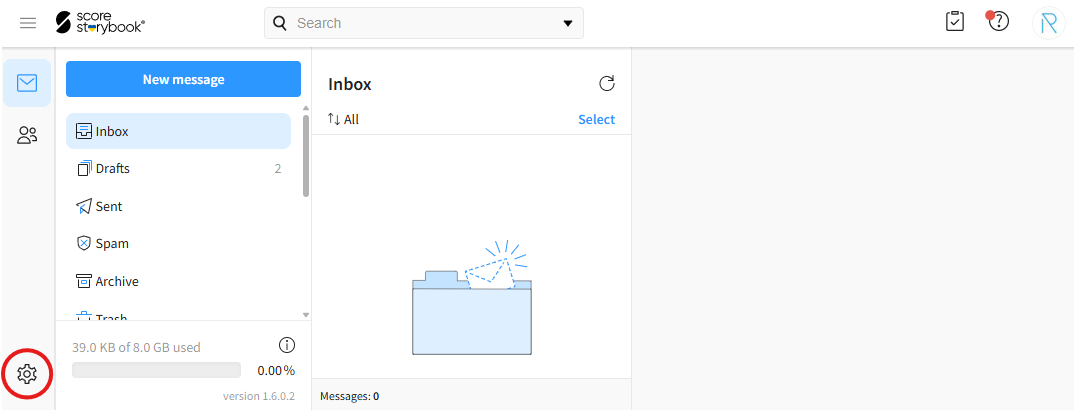
- Click the gear icon in the bottom-left corner of the page.
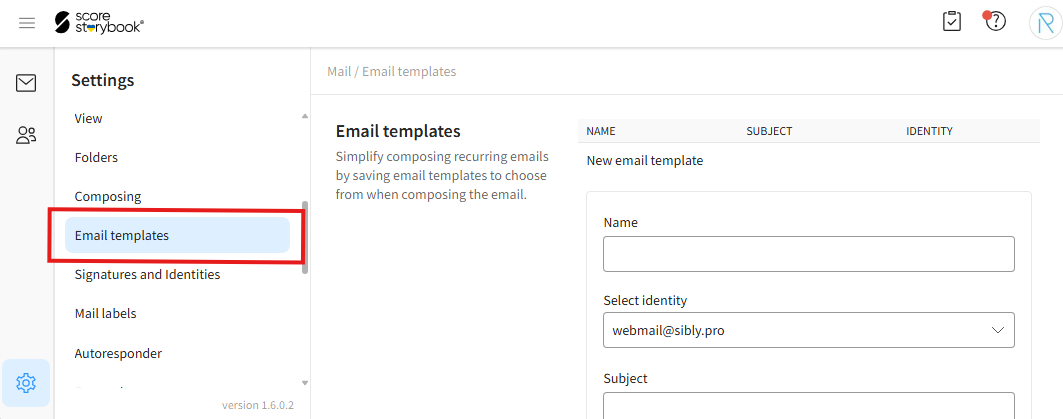
- Click on the "Email templates" option.
¶ Creating a New Email Template
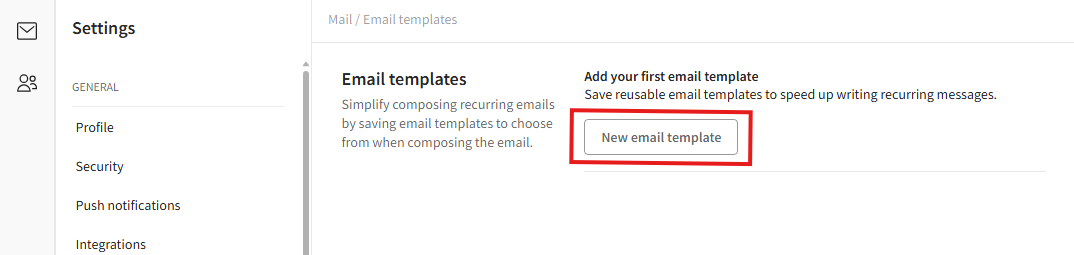
- To create a new email template, click the "New email template" button.
- In the opened window, enter the desired information.
"Name" - Template name.
"Select identity" - Select the identity that will be used with this template.
"Subject" - Email subject.
"Message body" - Email content.
"Add attachments" - Attachments.
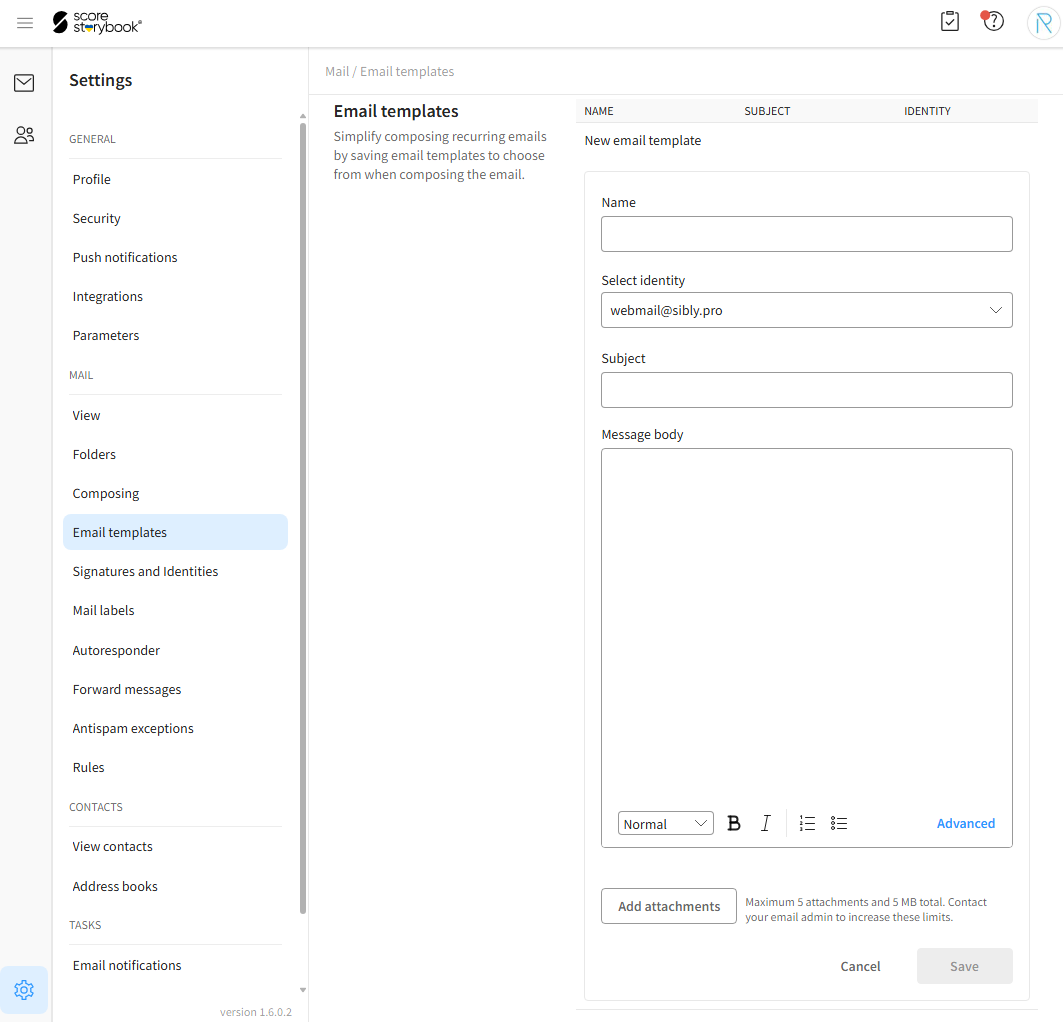
- After entering the information, click the blue "Save" button.
¶ Editing and Deleting Email Templates
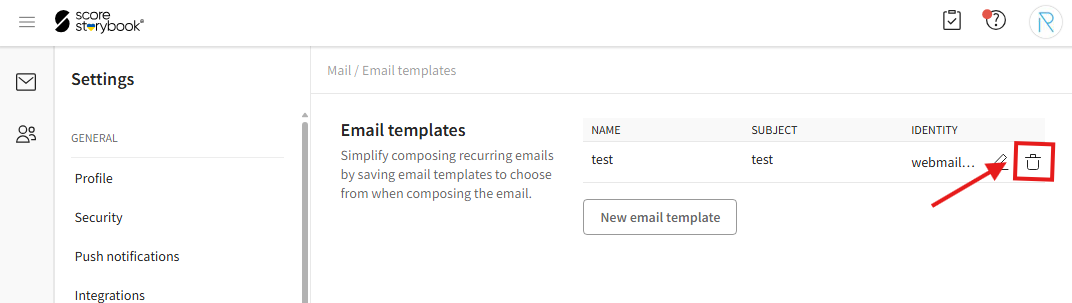
- To edit a template, click the pencil icon. The rest of the process is the same as when creating a new template. To cancel, click "Cancel".
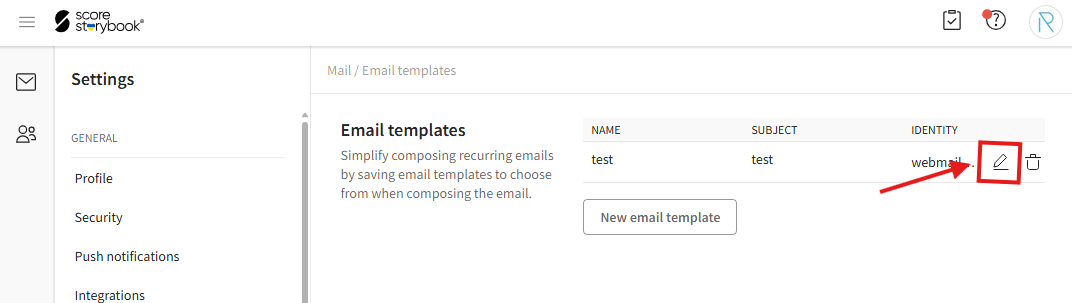
- To delete a template, click the trash can icon and then click "Delete" in the confirmation window.