¶ Managing Notifications
- To manage push notifications preferences, log in to Sibly Webmail using your email account credentials at: https://webmail.sibly.pro/
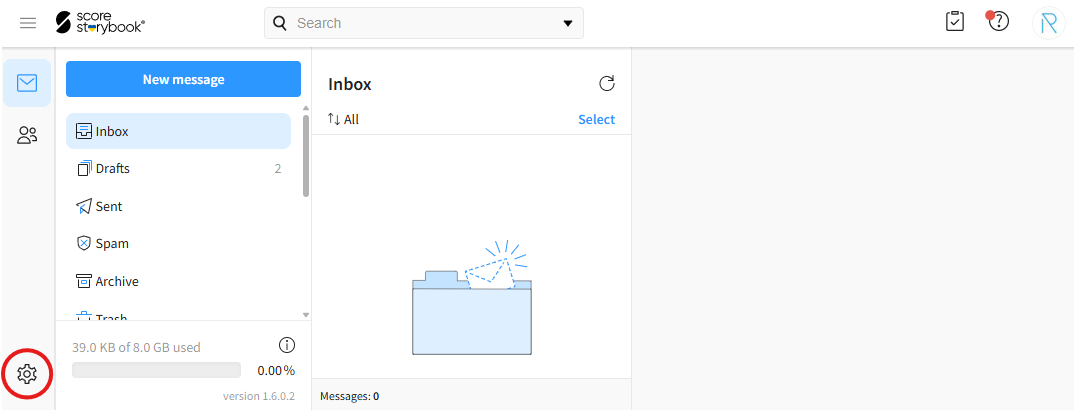
- Click the gear icon in the bottom-left corner of the page.
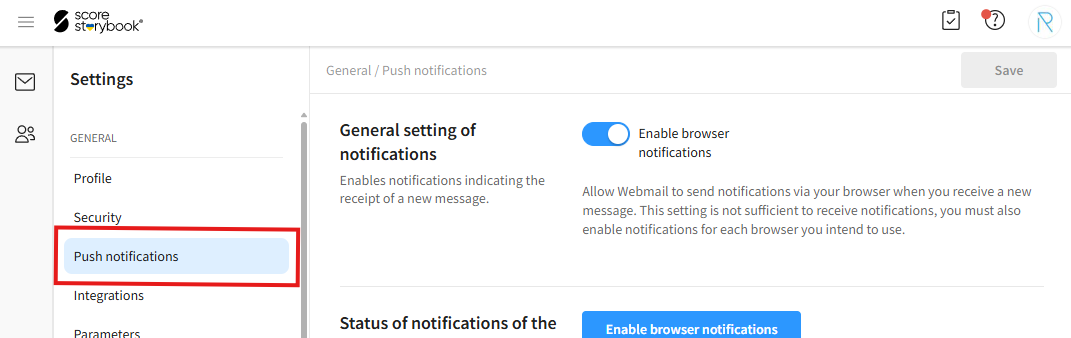
- Click on the "Push notifications" option.
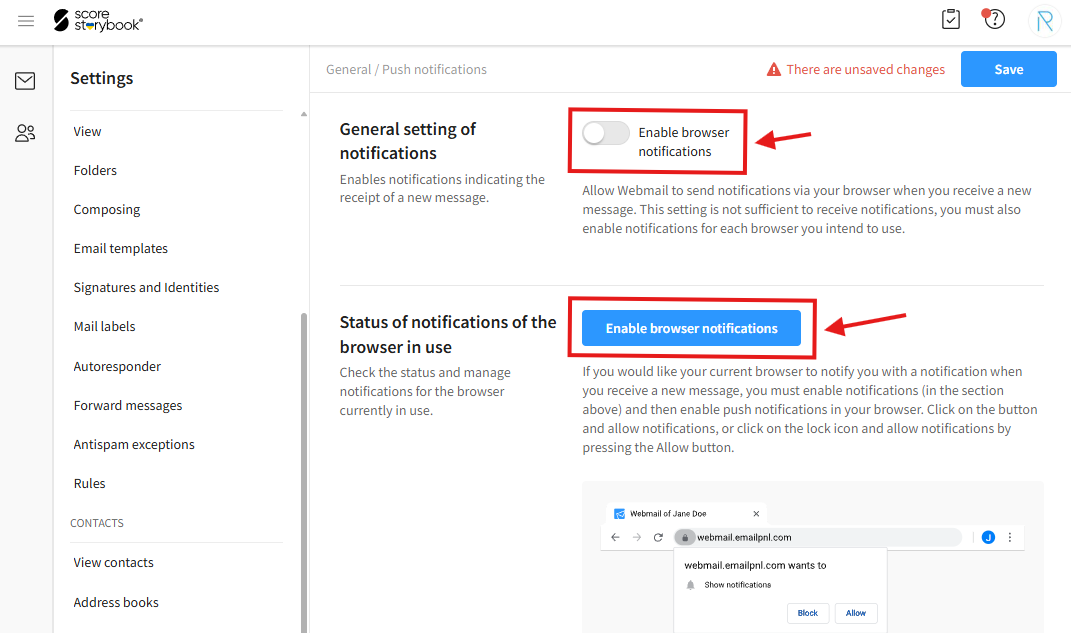
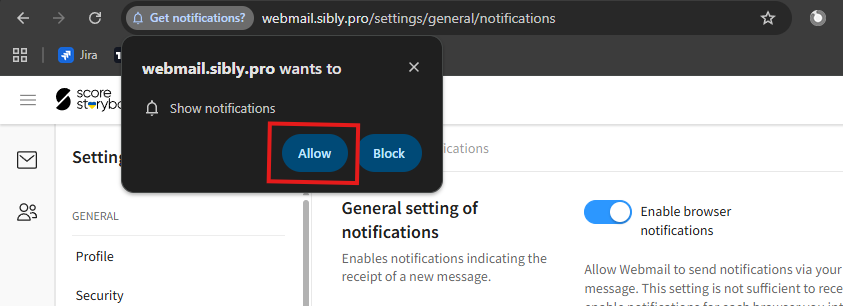
- To enable or disable notifications, click the "Enable browser notifications" toggle at the top of the page. To enable notifications, you must grant permission to the Webmail application. Click the blue "Enable browser notifications" button below and allow notifications when prompted by your browser.
- After making your changes, click the blue "Save" button in the bottom-right corner of the window.