¶ Managing Sessions
- To manage active sessions, log in to Sibly Webmail using your email account credentials at: https://webmail.sibly.pro/
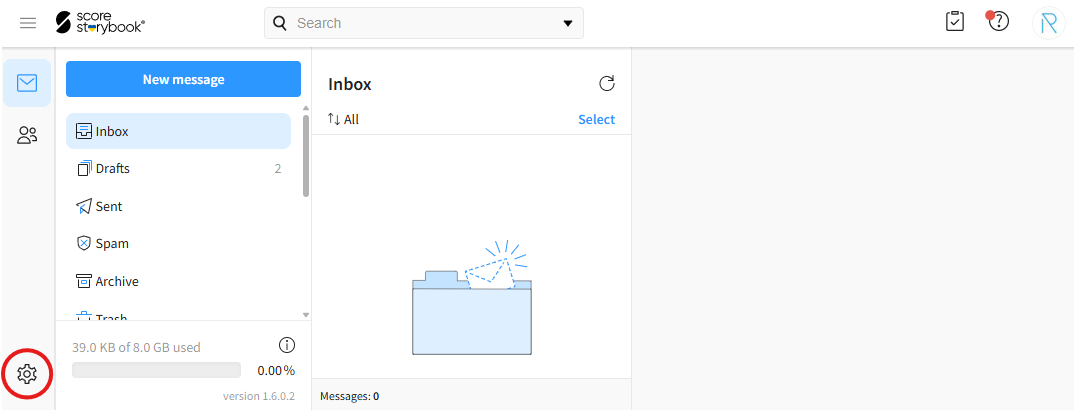
- Click the gear icon in the bottom-left corner of the page.
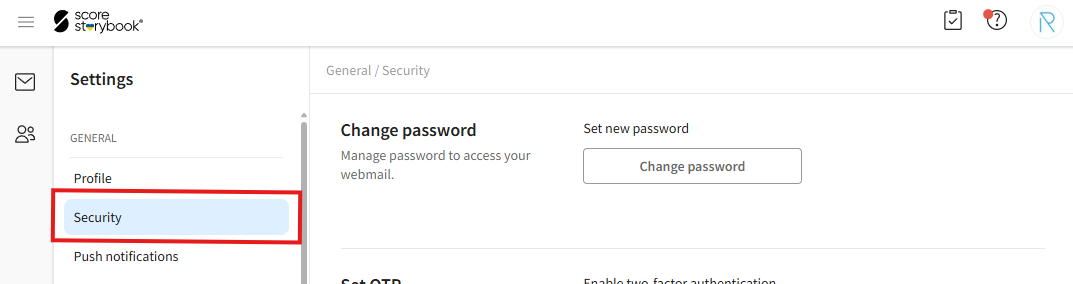
- Click on the "Security" option.
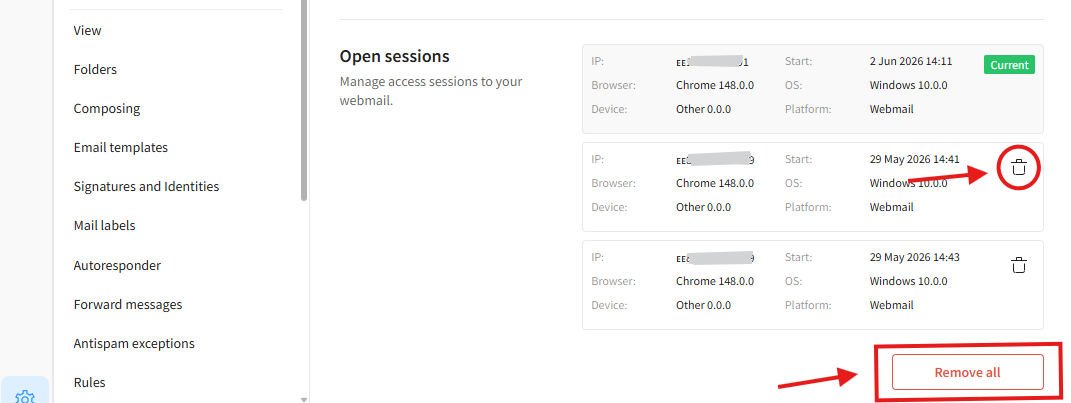
- Navigate to the "Open sessions" section. The table displays the devices where your Webmail account is currently signed in. Use the trash can icon to sign out of individual devices. Use the "Remove all" button to sign out of all devices.