¶ Outgoing Messages
- To change Outgoing Message settings, log in to Sibly Webmail using your email account credentials at: https://webmail.sibly.pro/
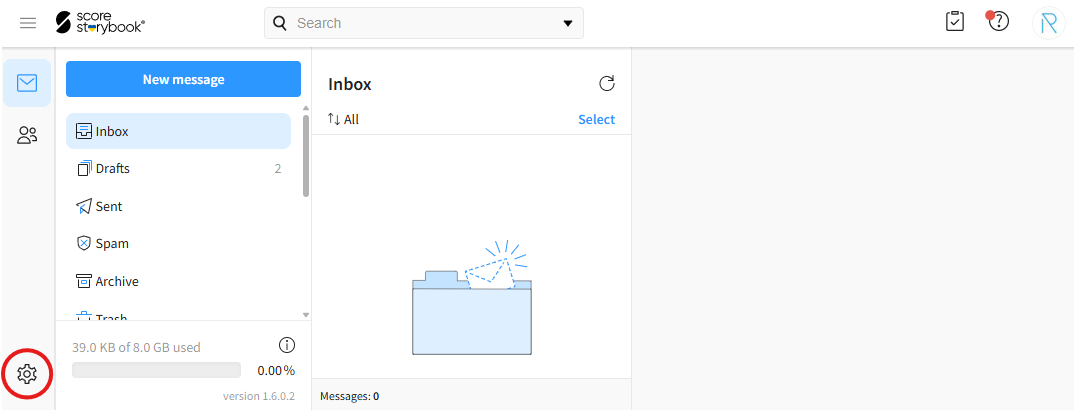
- Click the gear icon in the bottom-left corner of the page.
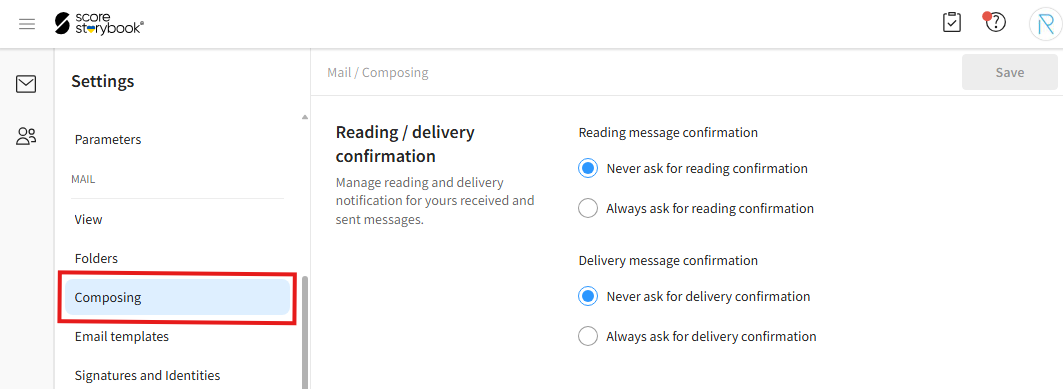
- Click on the "Composing" option.
¶ Read and Delivery Receipts
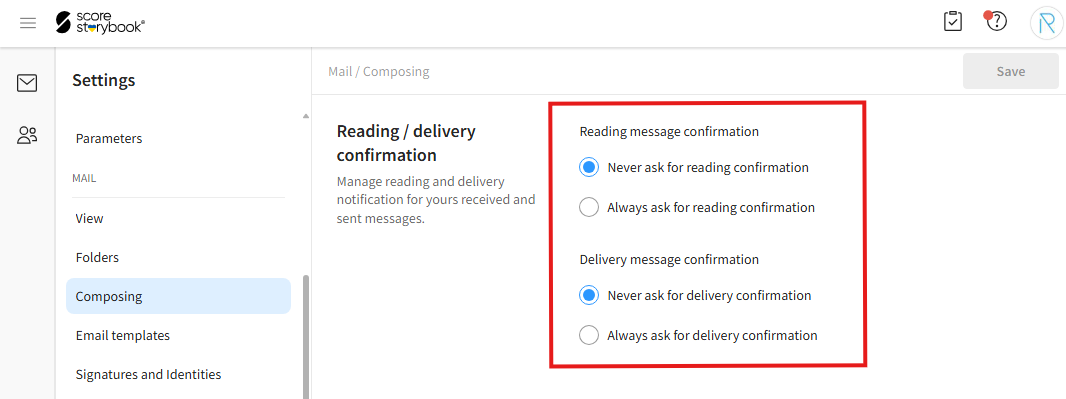
- To change read and delivery receipt settings, navigate to the "Reading / delivery confirmation" section.
"Reading message confirmation" - Requests a read receipt. "Never ask for reading confirmation" never requests a read receipt from recipients. "Always ask for reading confirmation" always requests a read receipt.
"Delivery message confirmation" - Requests a delivery receipt. "Never ask for delivery confirmation" never requests a delivery receipt from recipients. "Always ask for delivery confirmation" always requests a delivery receipt.
¶ Text Editor
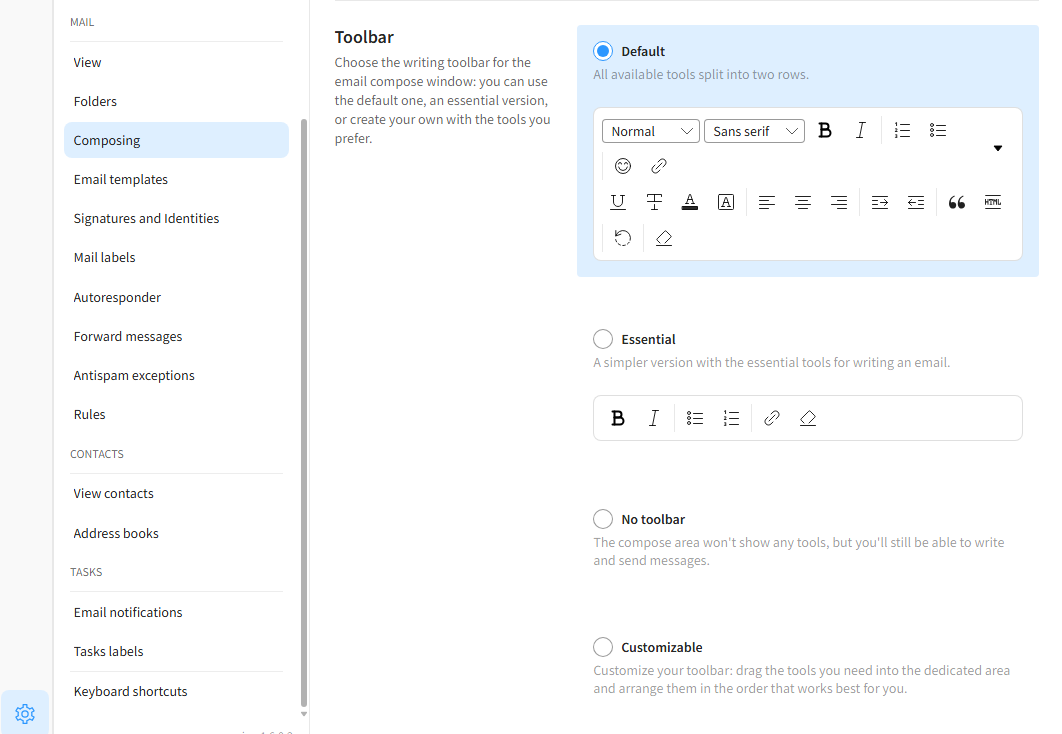
- To change text editor settings, navigate to the "Toolbar" section. Here, you can choose the toolbar layout that best suits your needs when composing emails.
"Default" - The default option, providing all commonly used text formatting tools.
"Essential" - A minimalist toolbar with fewer buttons and a more compact layout.
"No toolbar" - Hides the toolbar completely.
"Customizable" - Allows you to create and configure your own custom toolbar.