¶ Spam Detection Settings
- To change Spam Detection Settings, log in to Sibly Webmail using your email account credentials at: https://webmail.sibly.pro/
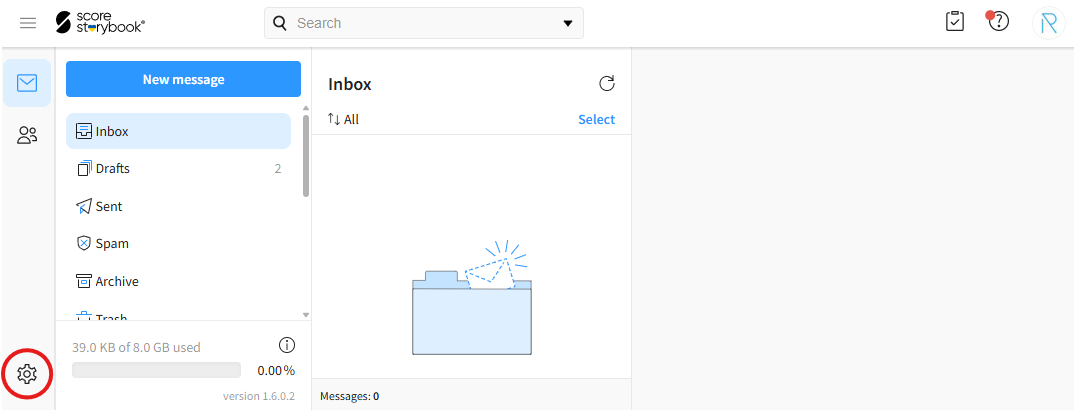
- Click the gear icon in the bottom-left corner of the page.
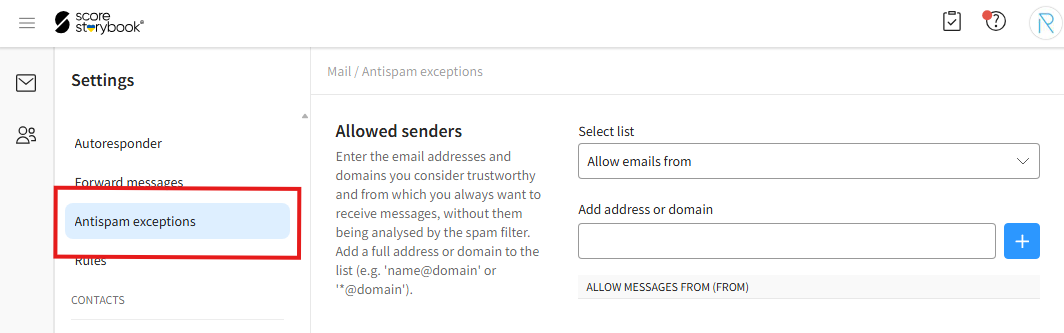
- Click on the "Antispam exceptions" option.
¶ Adding Trusted Senders and Recipients
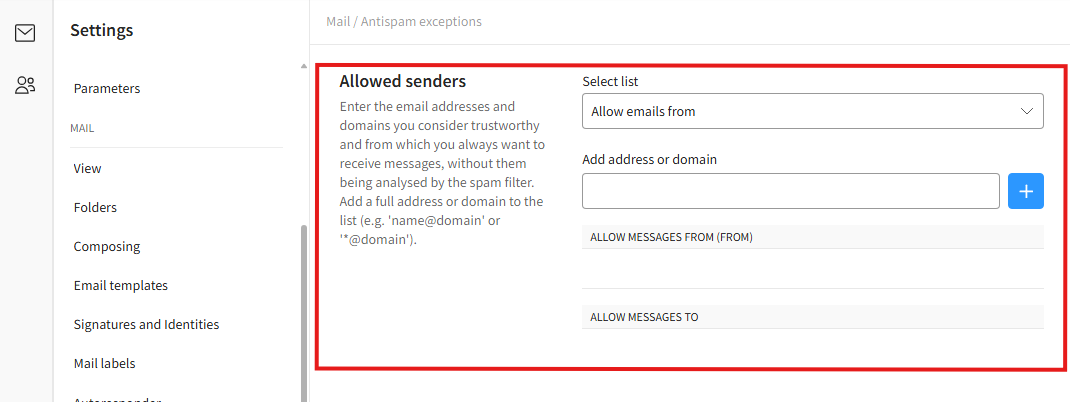
- To add trusted email addresses or domains, navigate to the "Allowed senders" section.
- Enter the desired information.
"Select list" - Select the list to which you want to add the email address or domain. The "Allow emails from" option adds the address or domain to the list of trusted incoming senders. The "Allow to" option adds the address or domain to the list of trusted outgoing recipients.
"Add address or domain" - The email address or domain you want to add. After entering the address or domain, click the plus (+) button.
¶ Blocking Email Addresses and Domains
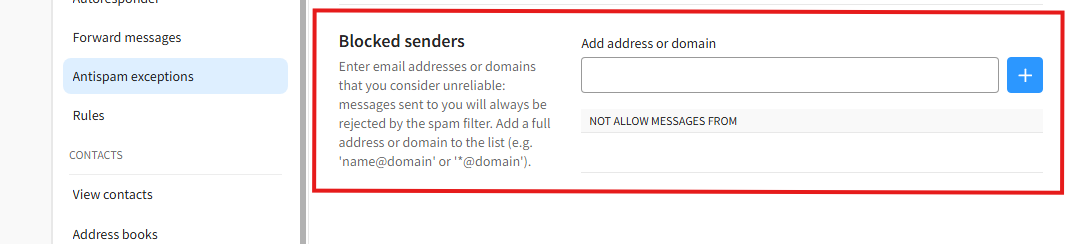
- To block email addresses or domains, navigate to the "Blocked senders" section.
- Enter the desired information.
"Add address or domain" - The email address or domain you want to block. After entering the address or domain, click the plus (+) button.
¶ Removing Allowed or Blocked Addresses and Domains
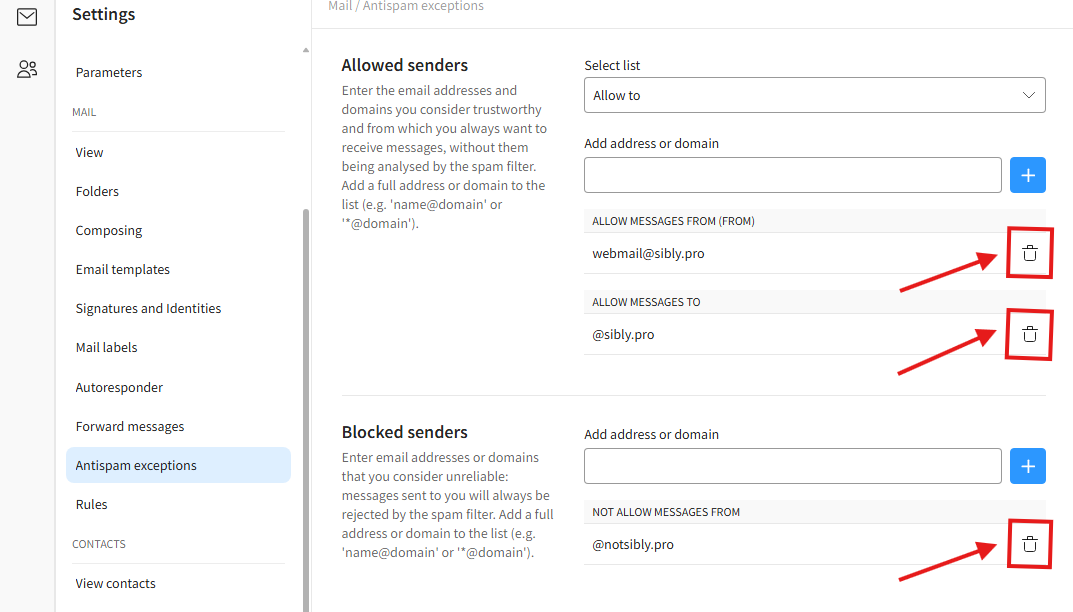
- To remove an allowed or blocked address or domain, click the trash can icon next to the desired address or domain. Then click "Delete" in the confirmation window.