¶ Two-Factor Authentication
- To activate 2FA, log in to Sibly Webmail using your email account credentials at: https://webmail.sibly.pro/
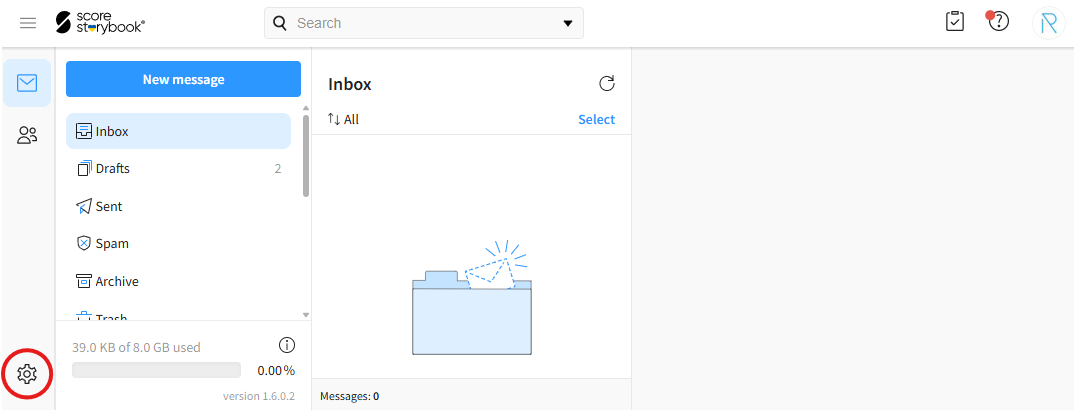
- Click the gear icon in the bottom-left corner of the page.
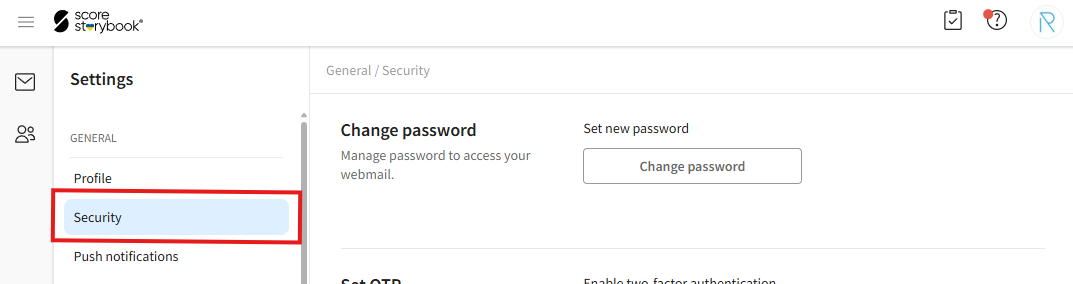
- Click on the "Security" option.
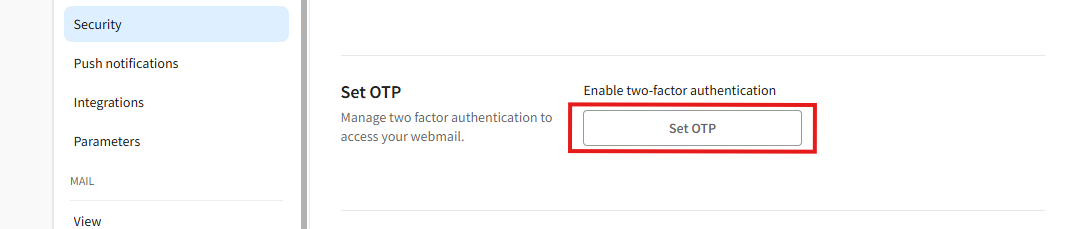
- Click the "Set OTP" button, scan the displayed QR code using your preferred two-factor authentication (2FA) app, and follow the instructions shown on the screen.